
Introducing Safe Exam Browser:
A Smarter Way to Secure Online Exams
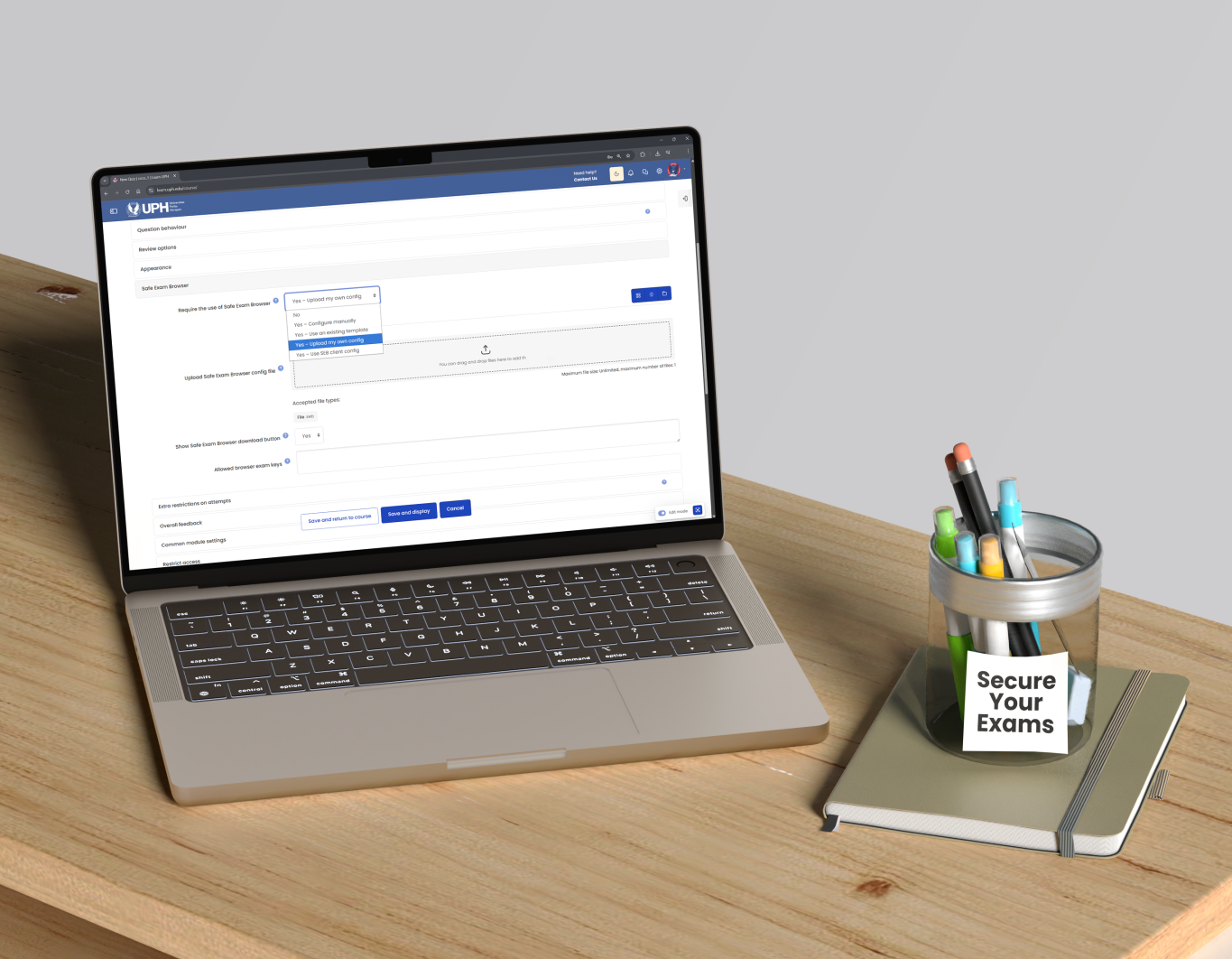
As online examinations become increasingly prevalent at UPH, the Edutech Team would like to introduce a Moodle feature designed to uphold academic integrity during online exams, Safe Exam Browser (SEB). SEB is a dedicated browser application that students are required to install on their devices before taking an exam, allowing the exam to be accessed through a specialized testing interface.
Strict Controls to Prevent Cheating and Distractions
Once activated, SEB locks the device into a secure, full exam mode, applying strict restrictions to ensure a controlled and distraction-free testing environment:
As a result, students can only view and work on the exam questions that you have prepared in Moodle, nothing more.

Why Safe Exam Browser Matters?
Safe Exam Browser significantly reduces the risk of academic dishonesty during exams by eliminating common vulnerabilities in standard online assessments. Unlike regular Moodle quizzes, which still allow students to open other applications simultaneously, SEB effectively closes these loopholes. As a result, students cannot access external resources during the exam, allowing their performance to more accurately reflect their true abilities while also strengthening the overall integrity of the assessment process.
Flexible Exam Support
One common challenge in online examinations is unexpected internet connectivity issues. To address this, the Edutech Team has prepared a custom SEB configuration along with a step-by-step guideline, which can be downloaded via go.uph.edu/SEB_Setup_Guide or click the button below.
This configuration includes:
For lecturers with specific requirements during examinations, the Edutech Team is available to support and assist in customizing the SEB configuration to better suit their needs. For example, certain functionalities can be enabled, such as the use of a calculator or allowing students to perform internet speed tests when necessary. If you need further assistance, please contact the Edutech Team at edu.tech@uph.edu
Get Ready with Safe Exam Browser
To better prepare students for online examinations, the Edutech Team has set up a dummy course in Moodle that they can access as a practice space before their actual exams. This course is equipped with:
The dummy course can be accessed at: go.uph.edu/SEBGuide_Student
Lecturers are encouraged to inform their students about this dummy course in advance, so they can become familiar with the SEB environment before the exam takes place.